The ultimate TV wall mounting guide
Mounting your TV keeps it safely out of the way of bumps and knocks. If your living room has kids or pets running around, it's a wise move. But it's not just about safety - getting the screen up on the wall also saves space and makes it easier to find the perfect angle for movie nights or big games. Plus, you can reduce glare from windows and lights with extending, tilting and swivelling wall mounts.
In this guide, we'll walk you through the key checks to do before you start, a straightforward step-by-step walkthrough to get your TV on the wall, and answers to the most common questions people are asking.
Remember: Mounting a TV can be heavy work. You don't want to injure yourself while you install it.
Before you do any lifting, make sure you get someone else to give you a hand. That could be your partner, a family member, or your mate who's got an afternoon to spare. It'll make everything a whole lot safer (and it'll be quicker too).
Check your walls
Let's get started with a quick wall survey.
Unless it's a really old house, you'll probably have a few different kinds of wall in your home. The most common are brick and stud walls. Most walls can support a TV, but you need to be more careful if you're mounting on a stud wall.
Here's what you need to look out for...
Brick walls
These walls are fine for mounting TVs of any size. Just make sure that the mount goes into the brick itself and not the mortar. This is because brick gives you a much more secure fitting.
When you're mounting a big telly, it's a good idea to use heavy-duty wall anchors. These are specifically designed to go into brick and will easily hold weighty TVs.
Stud walls
Interior walls are usually made from a wooden 'stud' frame with plasterboard attached. The wooden studs are strong enough to hold a TV. But, if you're planning on mounting your TV straight to the plasterboard, you need to install special plasterboard fixings first.
Make sure the weight of your TV isn't more than the max weight of your fixings too. Otherwise, you might be in for a nasty telly-based surprise.
VESA standards
For most TVs, you can use a few different kinds of bracket with it. You just need to get one that's suitable. It needs to be able to support the weight of your TV. And it needs to work with the type of wall you're mounting on.
This is where VESA standards (or Video Electronics Standards Association) come in. They'll help you find the perfect mount for your telly. These are guidelines that match flat-screen TVs to compatible wall mounts. It's done by measuring the patterns of holes on the back of your TV.
How do you work out the VESA dimension?
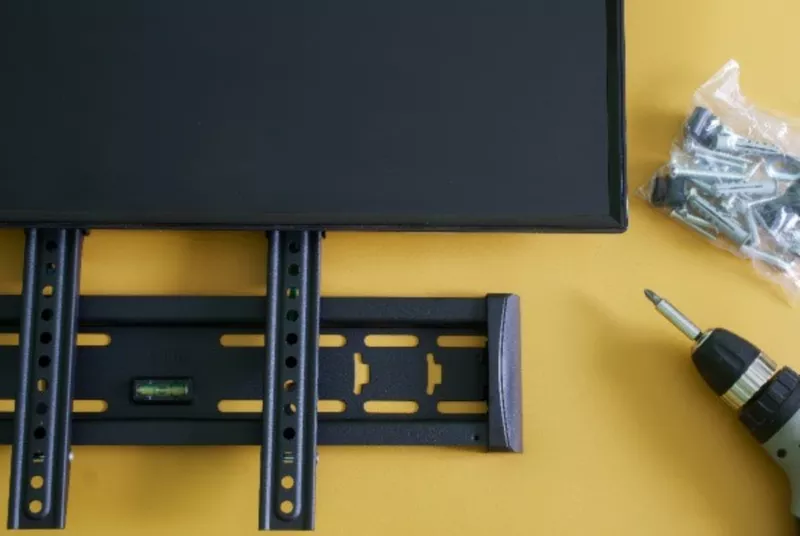
With a tape measure, measure the distance between the horizontal holes and vertical holes in mm. These 2 numbers are your VESA dimension. You can also usually find this in your TV manual, or in the specs when you buy your telly. That'll save you some legwork.
Non-VESA TV brackets
Some TV manufacturers don't follow VESA standards. If your TV is one of these, you'll need a universal mounting bracket. This can be properly adjusted to align with any holes.
Remember, the bigger your TV screen, the heavier it'll be. That means it'll need more support. To be safe, always compare your TV's weight to the weight rating of your TV mount. A badly mounted TV could be costly, not to mention dangerous.
Before you get started though, you'll need the following:
- Mounting bracket
- Tape measure
- Screwdriver
- Pencil
- Spirit level
- Rawlplugs
- Stud detector
- Drill
- TV
- 2 people
How to wall mount your TV - step by step
Got everything you need? Know where your TV's going? Let's start mounting it...
1. Get your TV in the right position
Before you start drilling holes, make sure you know exactly where you want your TV to go. You can always cut out a template of your TV and stick it on the wall first. That way, you can sit where you normally do to watch telly, and then check everything lines up nicely. You'll know whether the TV is too high or too low right away. And you can mark the wall exactly where you want the centre of your telly to be.
If you've got small children or pets, you might also want to position it high enough so they can't reach it.
2. Fix the mount to the wall
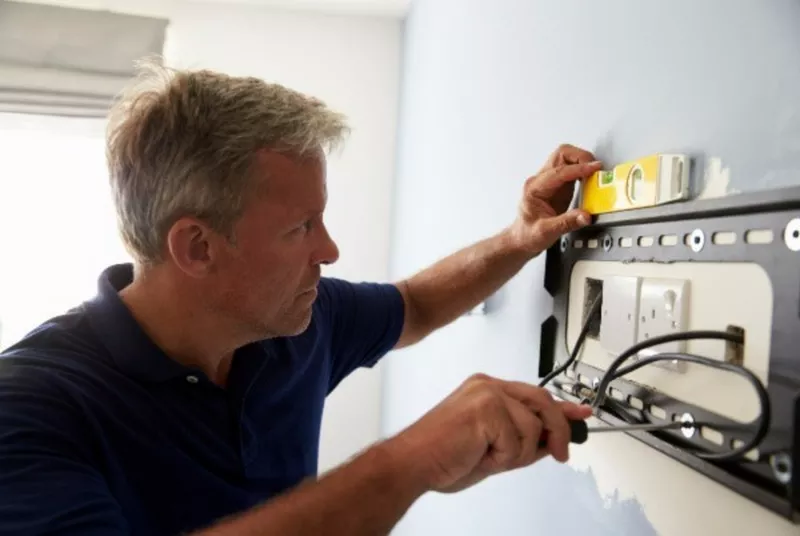
When you open up your TV bracket, it'll probably come in a few parts. The two main parts are the bit that fits onto your TV and the mount that screws directly onto your wall.
- Place the wall mount bracket against the wall. Use your spirit level to make sure it's straight, then mark with a pencil where you'll be drilling.
- Check first whether you're drilling close to any pipes or electrical cables. A stud detector will tell you if anything metal is behind the wall.
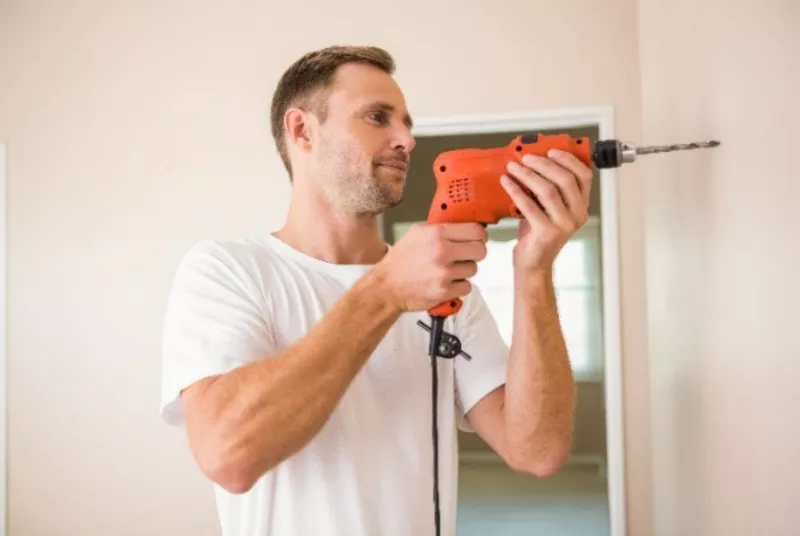
- Now drill all your holes in the wall. Then place your Rawlplugs inside the holes.
- Position the bracket over the holes and attach it with screws. Don't fully tighten the screws just yet. Grab your spirit level again and double check your bracket is straight. If you need to do any adjustments, go ahead. Then you can tighten up your screws when you're happy with it.
It can be a bit of a pain finishing up and realising the bracket is wonky, so try and get it level first time round. You'll thank us later.
3. Attach the bracket to your TV
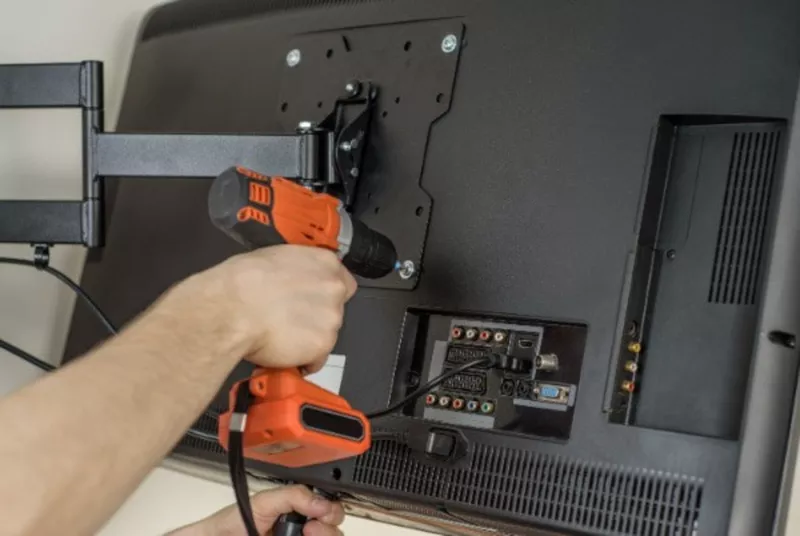
This part should be nice and easy. Lay your TV screen-down on a table or surface that's larger than the telly itself. Put some towels down first though to protect the screen from scratches.
Then look for the mounting holes on the rear and firmly attach your bracket.
Tip: make sure the screw holes line up properly, and that the screws don't stop the mount from tilting or swiveling. Otherwise, you're going to be stuck with a telly that doesn't move properly.
4. Connect any cables and lift your TV into place
Connect your power lead, HDMI cable, sound bar, and anything else you want to attach before you mount your TV. This'll make cable management way, way easier. Trying to access your inputs when the telly is flat against the wall isn't simple after all.
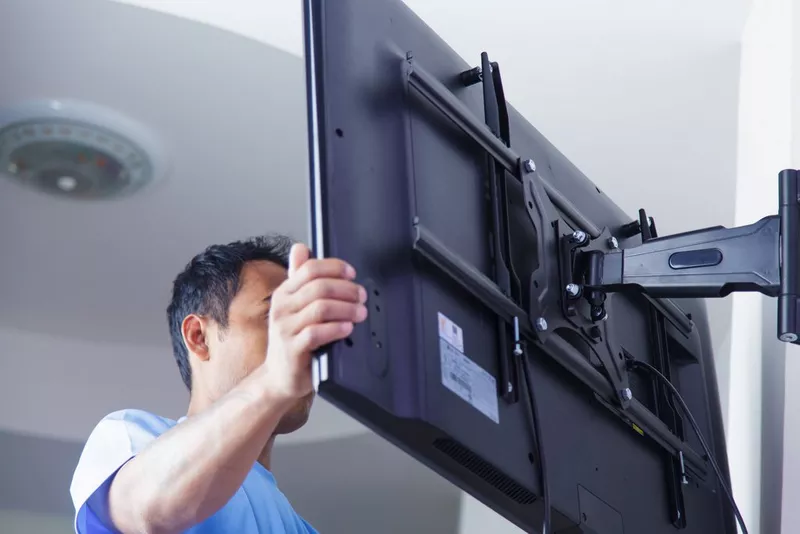
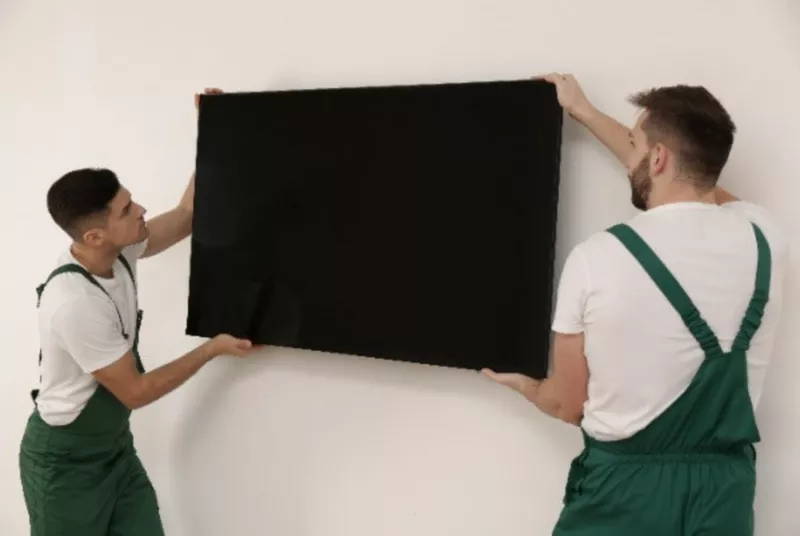
With the help of someone else, lift the TV into place. Then secure the 2 bits of the bracket with a screwdriver or Allen key (this'll depend on the kind of bracket you've got).
Job done. Now you're ready to sit back, relax and watch your perfectly placed TV.
Wall mounting FAQs
What's the best height to mount my TV?
The ideal height for mounting your TV is at eye level when you're seated. This ensures a comfortable viewing experience without straining your neck.
Can I hide the cables when mounting my TV?
Absolutely! You can use cable management systems or in-wall cable kits to keep all your unsightly wires out of view and giving your TV a clean look.
Is it possible to mount a TV without drilling holes?
Yes, there are mounting options available where you don't have to drill, such as adhesive TV wall mounts and TV stands that lean against the wall. These are great options for renters or those who prefer not to drill.
How do I make sure my TV mount is secure?
Always double-check the weight rating of your TV mount and compare it to your TV's weight. Use a spirit level to make sure the mount is straight. It's also worth going over the manufacturer's instructions so you're certain you haven't missed out any important steps.